• Our School
    About Us History Why an All Boys' School Being a Super 8 School Pastoral Care & Support Staff Scinde House - Boarding Governance & School Board
  • Our Students
    Our Students Course & NZQA Information My Office 365 Login Bring your own Device (BYOD) Library Uniform & Stationery Buses Careers
  • Enrolment
  • Boarding
    Welcome to Scinde House Our HIstory Hiring Scinde House Useful Links
  • International
  • Sports
  • Old Boys'
    NBHS Old Boys'
  • Contact
  • Contact
Login
CLOSE
  • Our School
    • About Us
    • History
    • Why an All Boys' School
    • Being a Super 8 School
    • Pastoral Care & Support
    • Staff
    • Scinde House - Boarding
    • Governance & School Board
  • Our Students
    • Our Students
    • Course & NZQA Information
    • My Office 365 Login
    • Bring your own Device (BYOD)
    • Library
    • Uniform & Stationery
    • Buses
    • Careers
  • Enrolment
  • Boarding
    • Welcome to Scinde House
    • Our HIstory
    • Hiring Scinde House
    • Useful Links
  • International
  • Sports
  • Old Boys'
    • NBHS Old Boys'
  • Contact
  • Contact
Login Uniform Shop Events
BYODRequirements and Recommendations

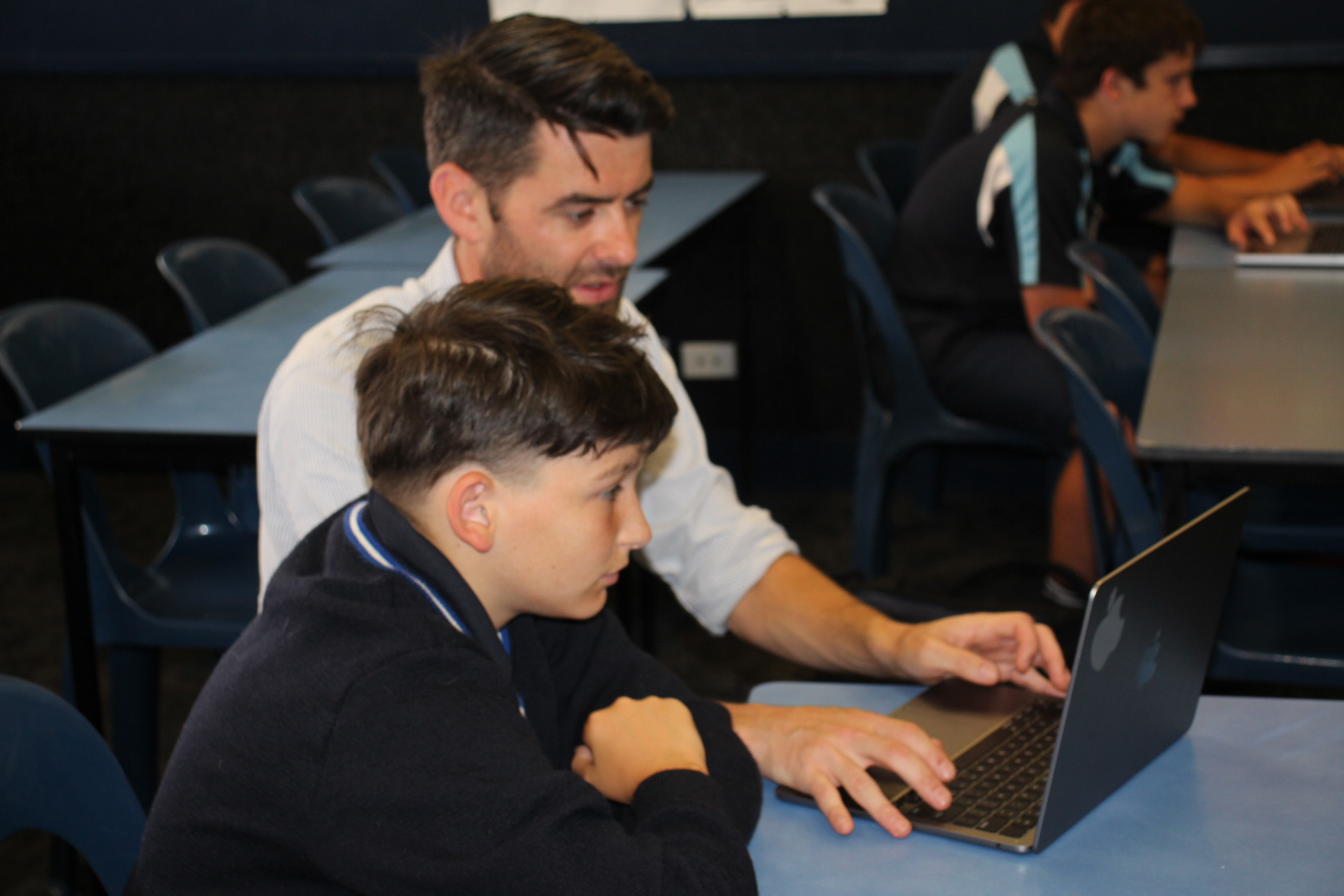
In 2025 all year levels will use a blended learning model. This means using the right ‘tool’ at the right time, just like a modern workplace. At times your son will be using a laptop for his learning. At other times he will be using a pen and paper.

We are mindful of the financial cost associated with purchasing and maintaining a device. Similarly, we are conscious of a device’s longevity. For many families and students it may be advisable to carryover their current laptop from Y8 and purchase a new device as they begin NCEA.

If you do intend to purchase a laptop ahead of your young man starting the school year, we encourage you to select a mid-range product that, hopefully, lasts through to the end of their secondary schooling. A mid-range device should have the following minimum specifications:

• 8-hour battery life
• i5 processor
• 13-inch screen
• 8 Gb ram
• 250 Gb hard drive
• The device when purchased should come with Microsoft Windows Home Edition.

The school will provide a license for Microsoft 365. The school does not consider a cellphone as a device for learning and should not be used instead of a laptop. The security and maintenance of the device is the responsibility of the student. We encourage you to engrave or label the laptop with your son’s name. The laptop should be stored in a protective bag or sleeve. You should ensure that the device is covered by your personal insurance policy.

All students have access to our ultrafast broadband and secure Wi-Fi network. Students can access learning materials, timetables, results, and print from their own devices. Cloud storage via Google Workspace ensures documents are safely backed up.


Learn More
BYOD Code of Conduct
Microsoft Teams & Office 365 Student Manual
School Address
31 Chambers Street
Napier, 4110
New Zealand
Email: [email protected]

Report an Absence
Phone Number
International: + 64 6 833 5900
School Office: 06 833 5900
Headmaster's PA: 06 833 5913
Finance Department: 06 833 5902
Hostal
Ashton Johnson
Hostel Manager
027 2745453
(06) 833 5900 Extn 250
(06) 835 3342 (A/H) Extn 251
[email protected]
 
© 2000 - 2026 Napier Boys' High School
Designed by